Building Safer Agentic Workflows
AI agents are moving from simple chat interfaces into real workflows. Instead of only answering questions, they can now search databases, update CRM records, draft emails, call APIs, and hand work off to other systems.
That is powerful, but it also changes the risk. A wrong answer in a chat is annoying. A wrong action in Salesforce, finance, support, or operations can create real cleanup work.
For this post, I wanted to explore a practical design pattern for using agents in business workflows without giving them unlimited control. The main idea is simple:
Let the agent do the research and preparation, but keep humans in control of important actions.
Why This Trend Matters
The current direction in AI is not just better models. It is better connections between models and tools.
Standards like Model Context Protocol (MCP) are making it easier for AI applications to connect to external systems in a structured way. Agent frameworks are also becoming more focused on tool use, handoffs, and guardrails.
That makes agents much more useful, but it also means teams need to think carefully about permissions, approvals, and audit logs.
The question is no longer only:
Can the agent complete the task?
The better question is:
Should the agent be allowed to complete this task without review?
What I Designed
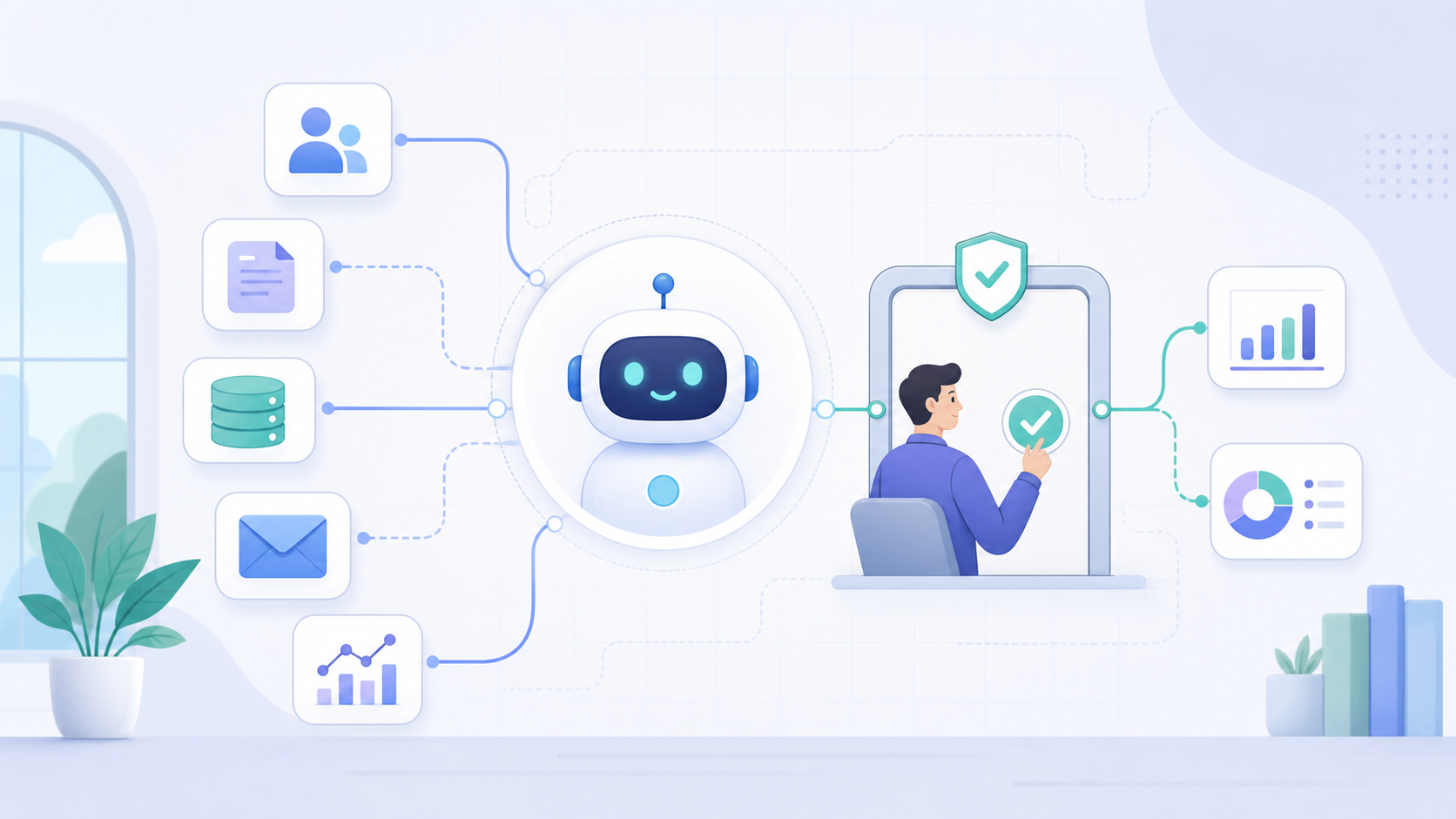
I designed a small human-in-the-loop workflow for business automation. The agent can gather information, compare options, and prepare a recommended action, but it cannot execute high-impact changes without approval.
The workflow has five main steps:
- User request: A person asks the agent to complete a task, such as updating a lead, preparing a refund, or drafting a customer response.
- Context gathering: The agent retrieves the relevant records, documents, or previous activity.
- Risk check: The system classifies the task as low, medium, or high risk.
- Action proposal: The agent prepares the recommended action and explains why.
- Human approval: A user approves, edits, or rejects the action before execution.
This keeps the agent useful without turning it into an uncontrolled automation layer.
The Core Components
1. Tool Registry
The agent should not be able to call any tool it wants. Each tool needs a clear purpose, input schema, and permission level.
For example:
- Read tools: Search CRM records, retrieve documents, check order status.
- Draft tools: Prepare an email, summarize an account, suggest a next step.
- Write tools: Update a record, send a message, trigger a payment, close a ticket.
Read and draft tools can often be low risk. Write tools need more control.
2. Risk Scoring
Before the agent acts, the workflow checks how sensitive the task is. A simple scoring model can already help:
- Low risk: Summarizing a record, finding matching documents, preparing notes.
- Medium risk: Drafting an email, updating non-critical fields, suggesting a lead status change.
- High risk: Sending external messages, changing financial data, deleting records, triggering payments.
The higher the risk, the more the workflow should slow down and ask for confirmation.
3. Approval Gate
The approval gate is the most important part. It turns the agent from an automatic actor into a decision-support system.
Instead of saying:
“I updated the record.”
The agent should say:
“Here is the update I recommend, here is the evidence, and here is what will change if you approve it.”
That small difference matters. It gives the user time to inspect the reasoning before anything permanent happens.
4. Audit Log
Every important action should leave a trail. The log should capture:
- Who made the request
- What data the agent used
- What action the agent proposed
- Who approved or rejected it
- When the final action happened
This is especially important in workflows connected to sales, finance, HR, or customer support.
A Practical Example
Imagine a seller asks:
“Check if this Lead already exists as an Account and prepare the next step.”
The agent can:
- Search for matching Accounts.
- Compare name, domain, phone number, and address.
- Produce a confidence score.
- Recommend whether the Lead should be converted, merged, or reviewed.
But if the action would change Salesforce data, the workflow should pause and ask for approval.
That gives the seller the benefit of automation without removing their judgment from the process.
What I Learned
The most useful agent workflows are not always the most autonomous ones.
In business systems, trust comes from control. People need to understand what the agent found, what it wants to do, and what will happen next.
A good agent workflow should be:
- Tool-aware: The agent only gets access to tools it actually needs.
- Risk-aware: Sensitive actions require more review.
- Explainable: Recommendations include evidence, not just an answer.
- Auditable: Important decisions can be traced later.
This is where agents become more useful than simple automation. They can handle messy reasoning, but the workflow can still enforce structure.
The Bottom Line
Agentic AI is becoming more practical because agents can connect to real tools and business systems. But the next step is not giving agents unlimited freedom.
The better direction is controlled autonomy: let agents gather context, prepare work, and recommend actions, while humans approve the changes that matter.
That is the balance I think will define the most useful AI automation projects: faster workflows, clearer reasoning, and humans still in control of the final decision.